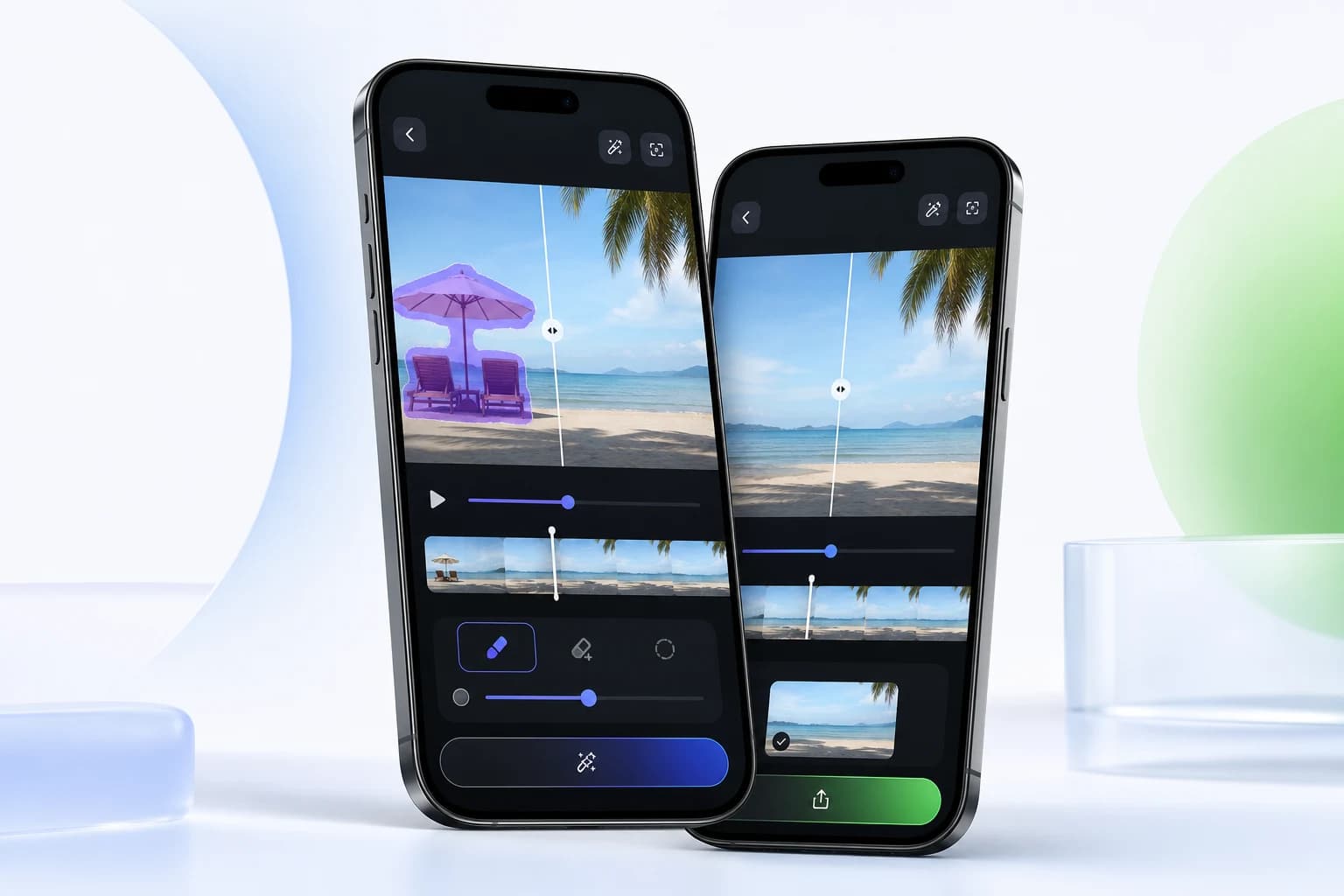
Export flow
After processing, the app requests a signed GET URL, downloads the processed MP4, and saves it to Photos or Gallery after permission checks.
Learn how Video Eraser exports processed videos through signed download URLs and saves the final MP4 to Photos or Gallery after permission checks.
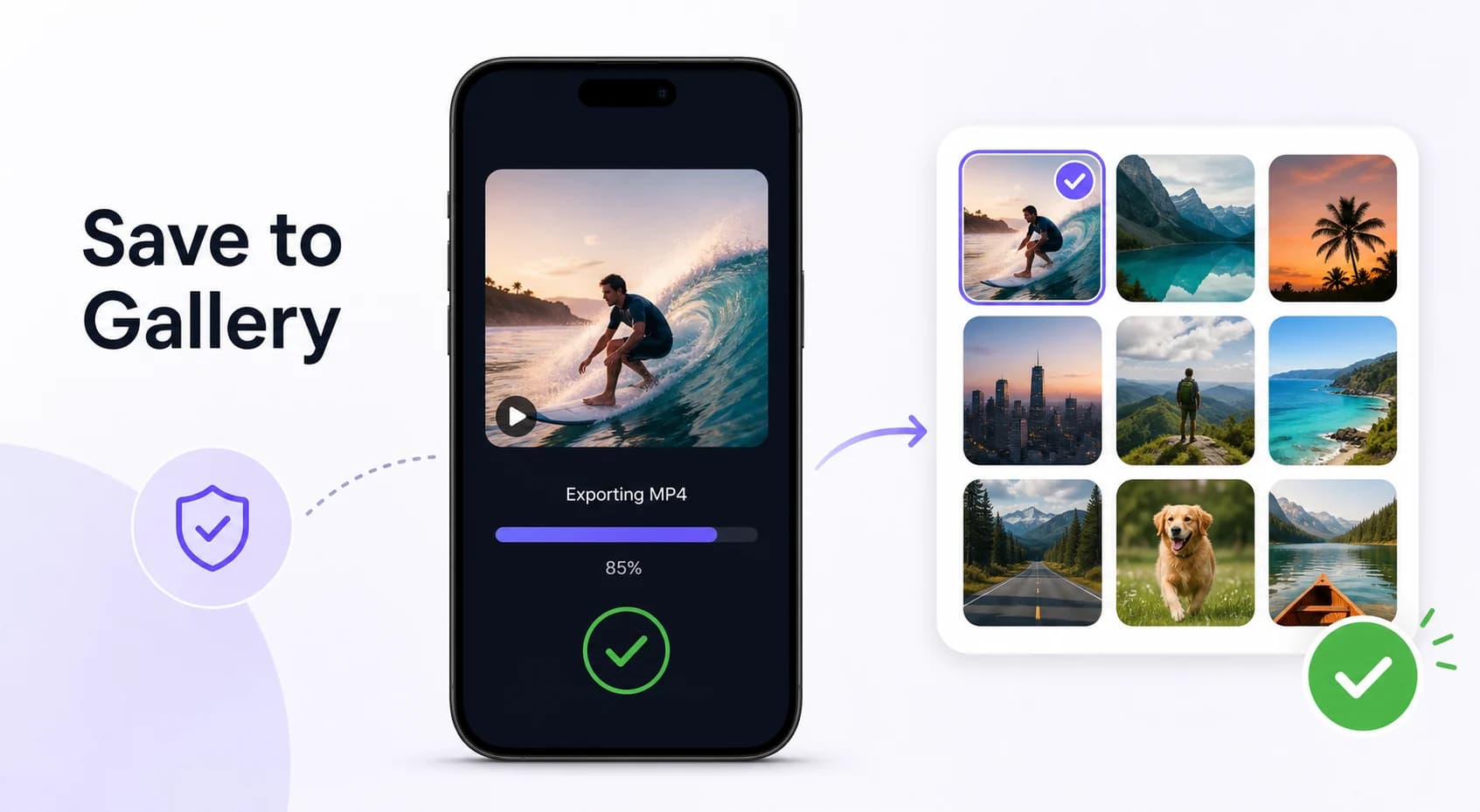
After processing, the app requests a signed GET URL, downloads the processed MP4, and saves it to Photos or Gallery after permission checks.
Processed projects remain available in project history, while privacy text says uploaded video data is deleted after 48 hours.
iOS includes client code for download permission checks. Android save behavior is documented as Gallery export, but equivalent utility details were not found in the inspected knowledge base.
Yes. Both iOS and Android include export/save flows for processed videos.
The documented export flow downloads a processed MP4 from cloud storage through a signed URL.
Understand Video Eraser credits, free video limits, premium benefits, and the product details that still require store or backend verification.
Video Eraser uploads media and masks through signed URLs, triggers Firebase processing queues, then notifies users when processed results are ready.
Find account, authentication, privacy, project history, and account deletion information for Video Eraser users.
View account deletion instructions.
Ready to edit
Download Video Eraser for fast AI object removal, watermark cleanup, video enhancement, and creative transformations on mobile.
Download App