AI video enhancer
Enhance video quality before you publish
Improve video clarity, reduce rough edges, and prepare cleaner clips for reels, ads, tutorials, and social posts.
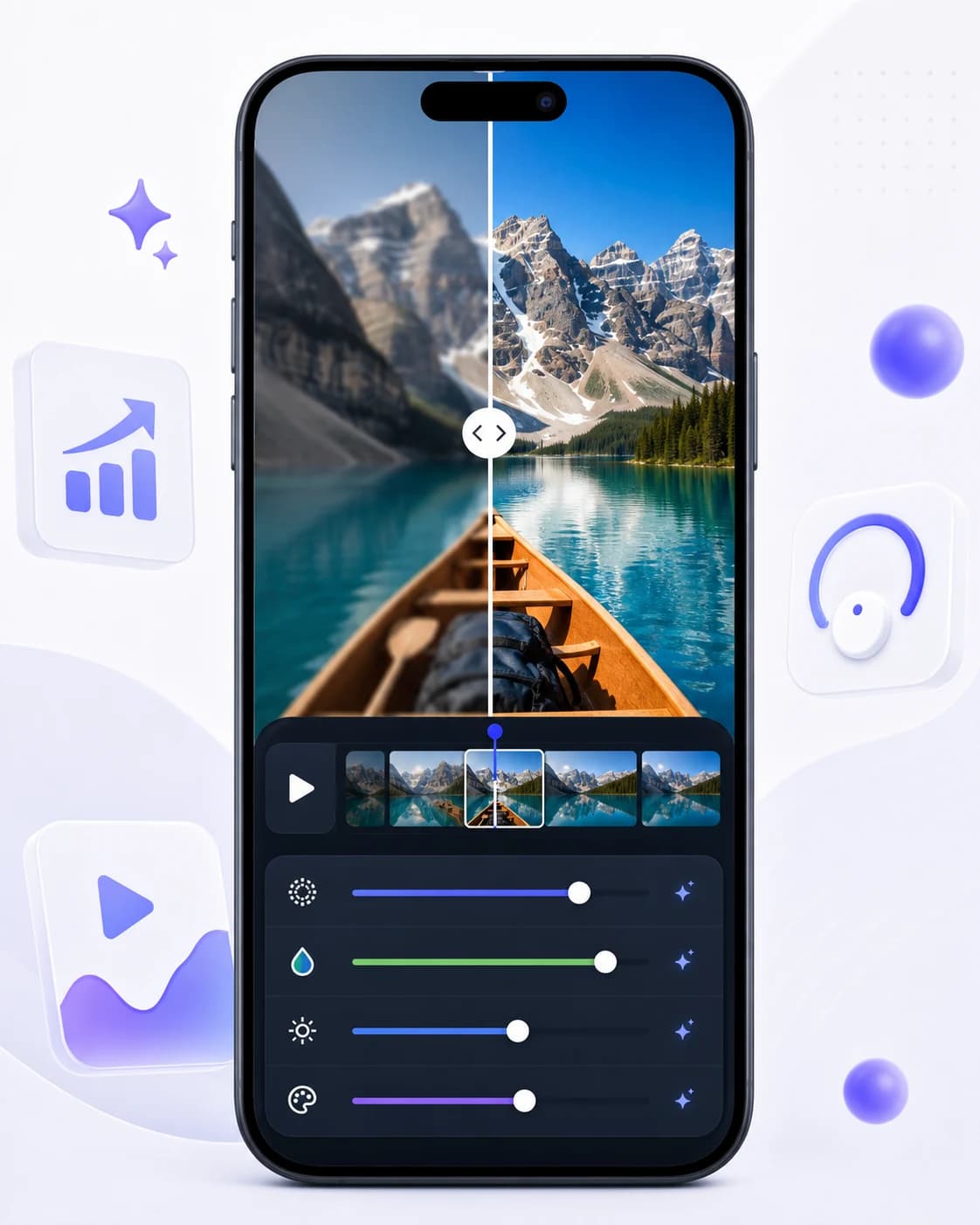
Improve clarity for social and short-form videos.
Use a quick mobile workflow without desktop editing software.
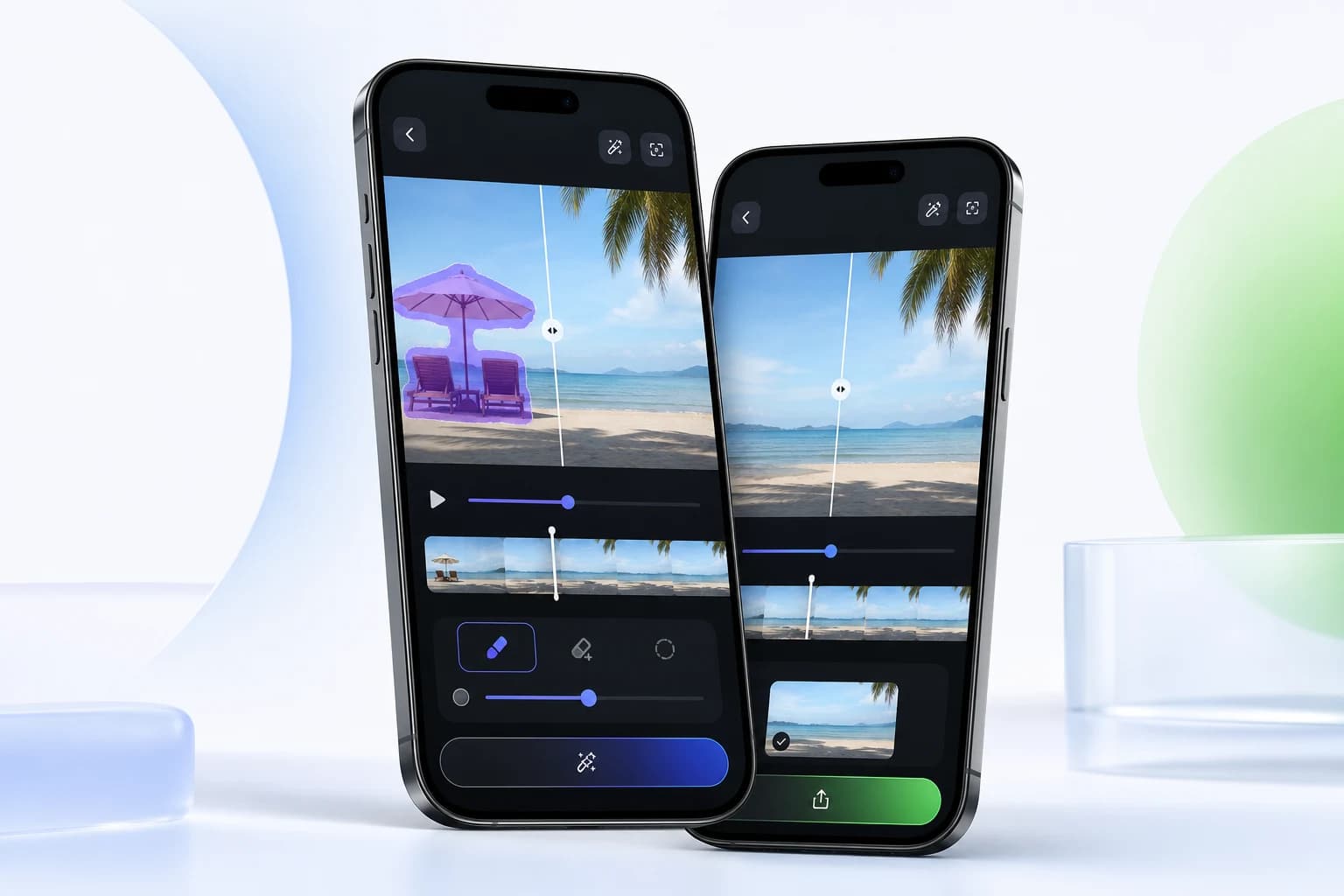
Pair enhancement with object or watermark cleanup.
Workflow
Edit in a focused three-step flow.
Import the video you want to improve.
Choose the enhancement tool.
Preview and export the improved version.
Questions, answered
Can AI fix every blurry video?
No. Enhancement works best when the original video still has usable detail. Severely blurred footage may have limited improvement.
Is enhancement useful for social media?
Yes. It helps creators prepare cleaner clips before publishing to short-form platforms.
Related tools
AI video object remover
Clean up clips by removing people, distractions, text, and unwanted objects from videos directly on your phone.
Responsible watermark removal
Use Video Eraser to clean draft exports, timestamps, and overlays from videos where you have the rights to edit the content.
AI logo remover
Clean up brand marks, corner logos, and overlays from video assets that you own or are authorized to edit.
Ready to edit
Try ai video enhancer on your next clip.
Download Video Eraser for fast AI object removal, watermark cleanup, video enhancement, and creative transformations on mobile.
Download App