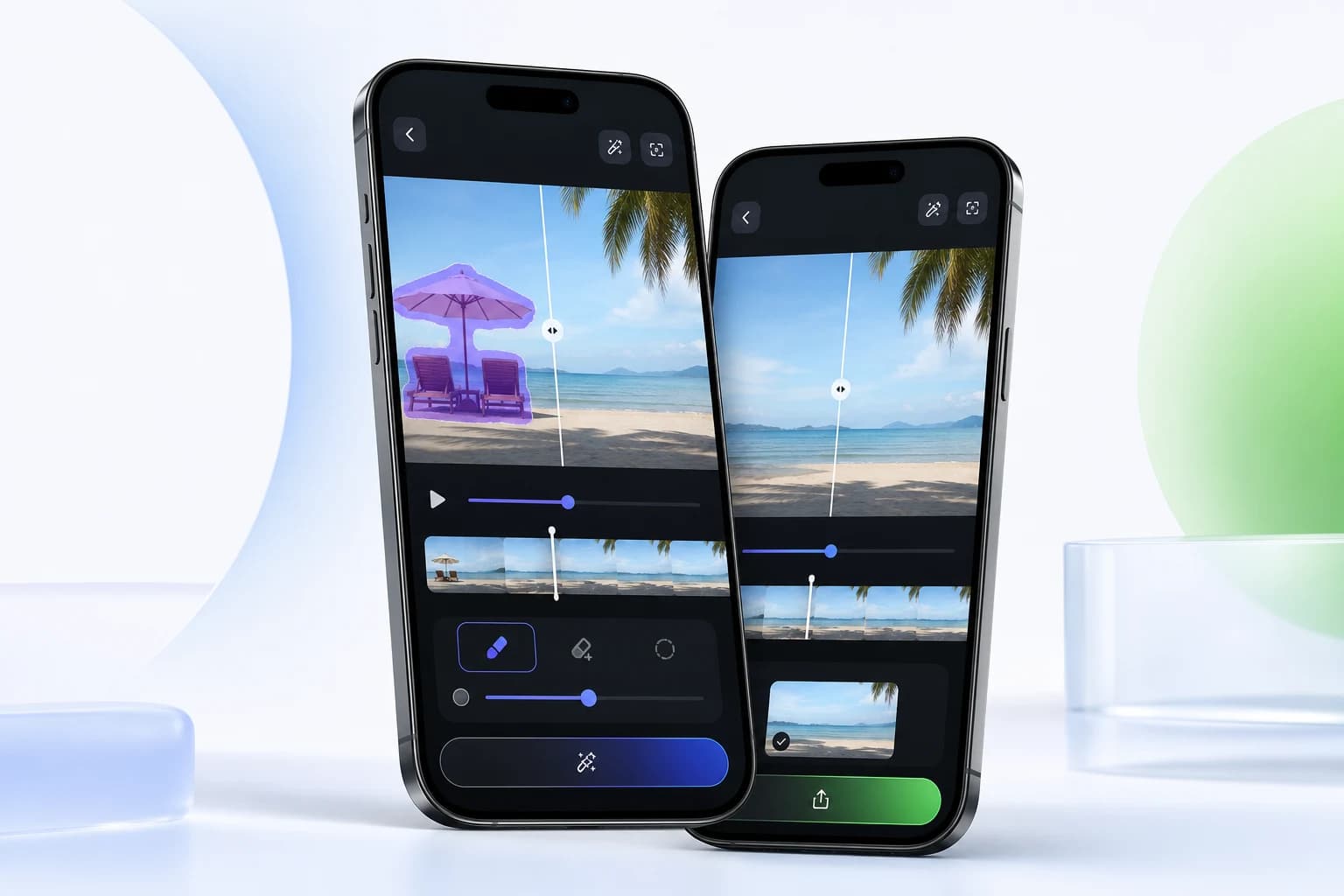
Android workflow
Clean up videos on Android
Use Video Eraser on Android to remove objects and watermarks, enhance quality, apply AI/comic filters, record/import videos, and add your own watermark.
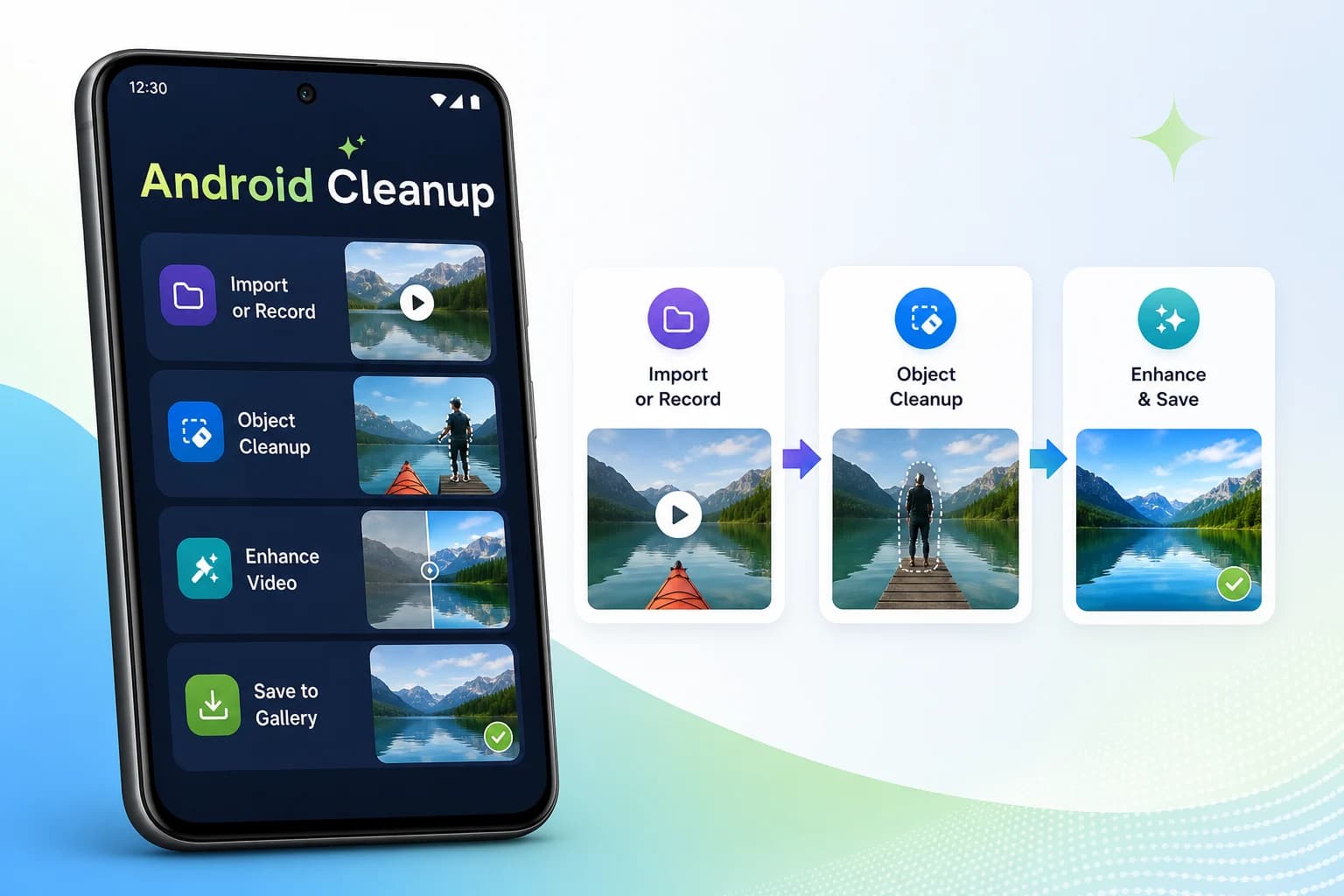
Workflow
A focused mobile editing flow.
Import or record a video on Android.
Select the cleanup, enhancement, AI filter, or add-watermark flow.
Preview the result and save the processed video to Gallery.
Android supports video recording and local add-watermark editing.
Free limits are 60 seconds and 100 MB according to the knowledge base.
Android premium limits are 30 minutes and 500 MB according to the knowledge base.
Related Video Eraser tools
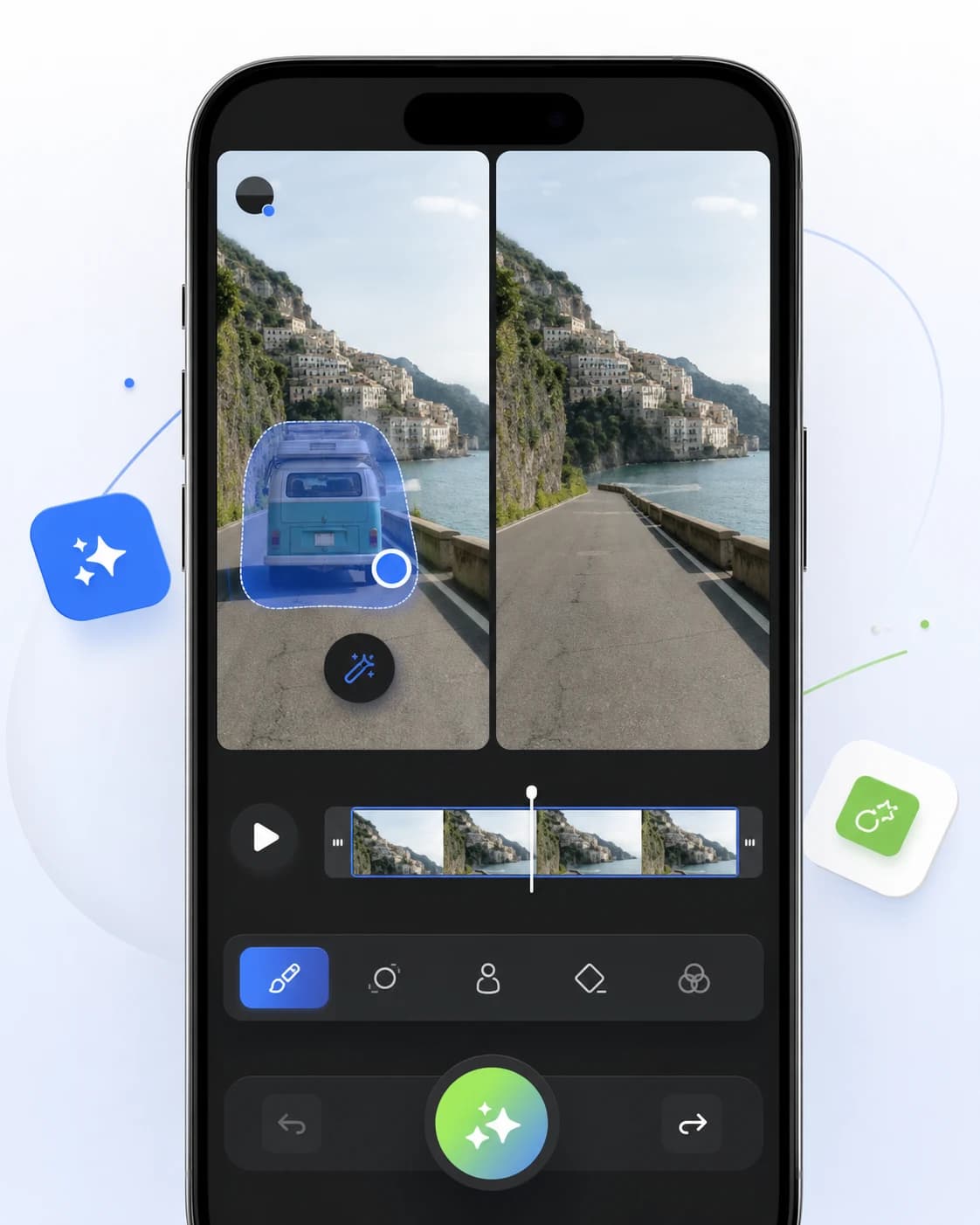
AI video object remover
Clean up clips by removing people, distractions, text, and unwanted objects from videos directly on your phone.
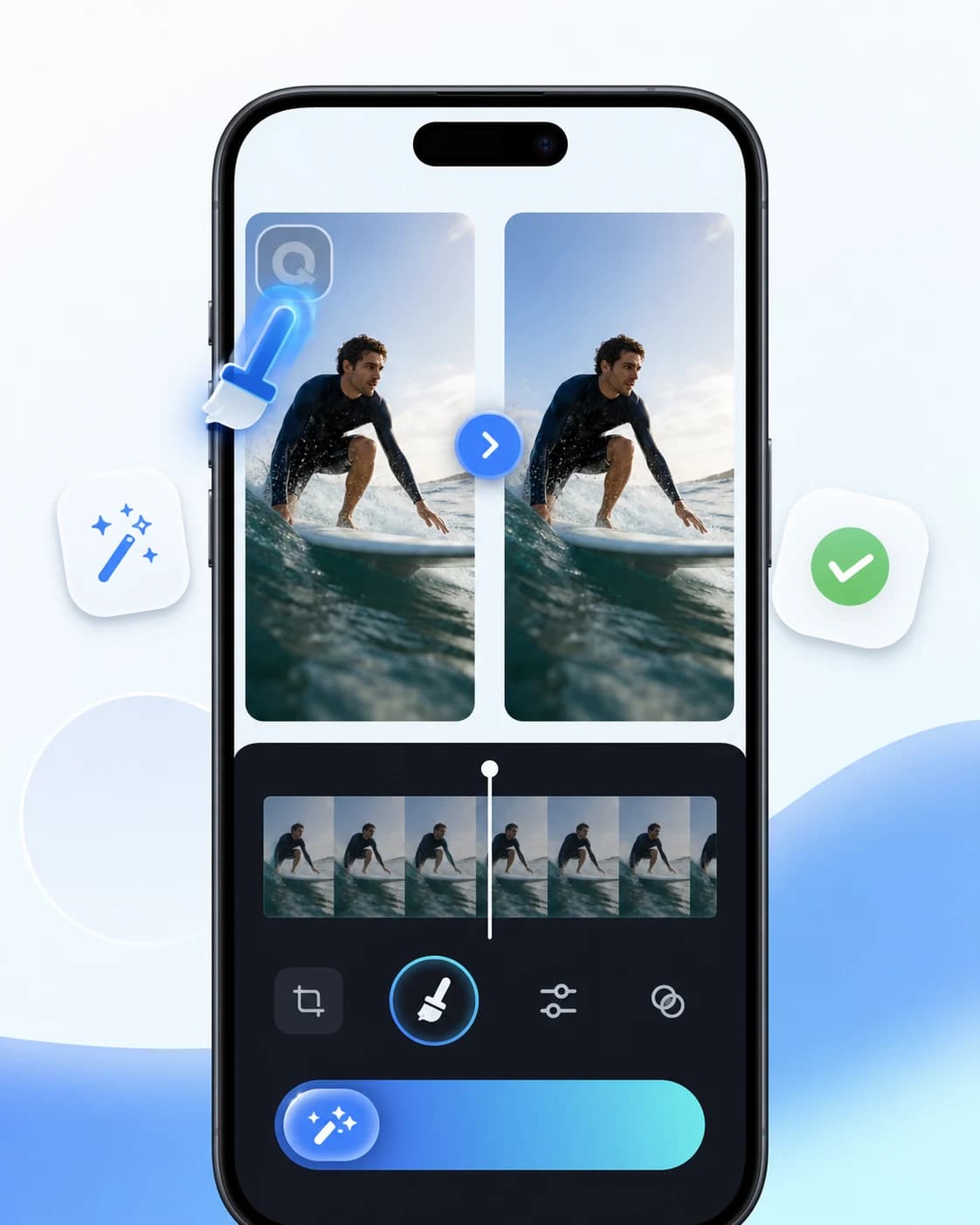
AI logo remover
Clean up brand marks, corner logos, and overlays from video assets that you own or are authorized to edit.
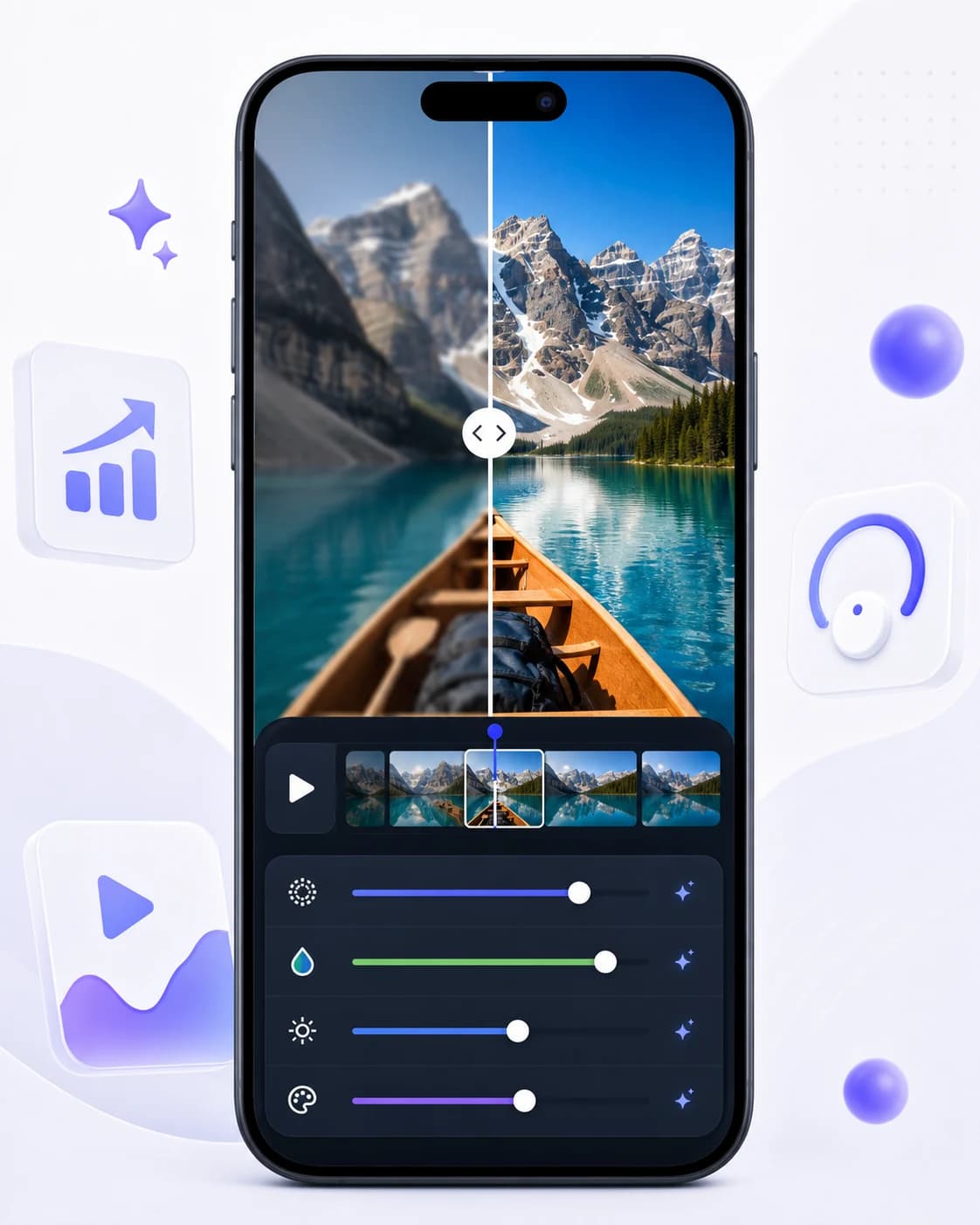
AI video enhancer
Improve video clarity, reduce rough edges, and prepare cleaner clips for reels, ads, tutorials, and social posts.
Ready to edit
Clean up your next mobile video.
Download Video Eraser for fast AI object removal, watermark cleanup, video enhancement, and creative transformations on mobile.
Download App