AI video object remover
Remove unwanted objects from video with AI
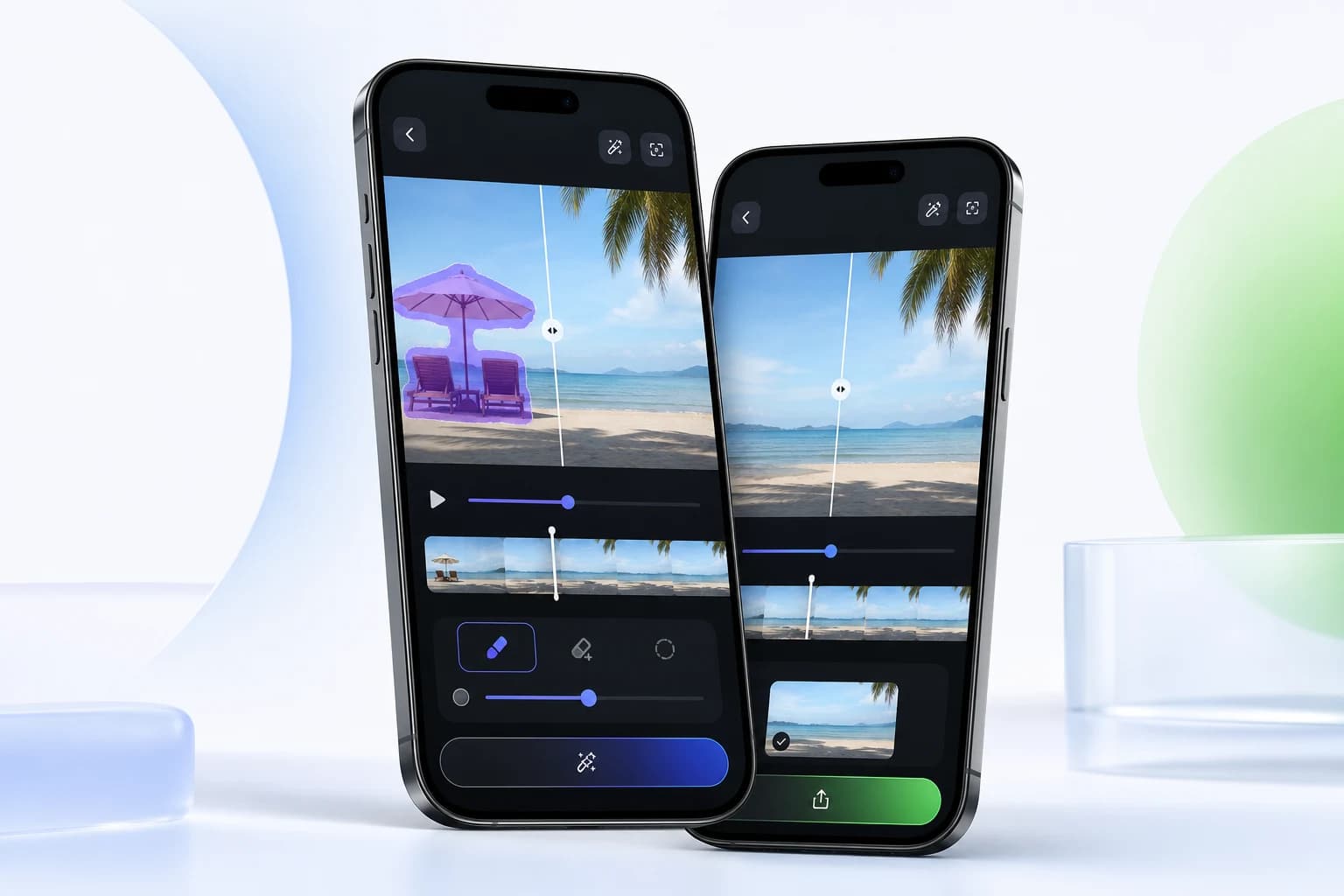
Clean up clips by removing people, distractions, text, and unwanted objects from videos directly on your phone.
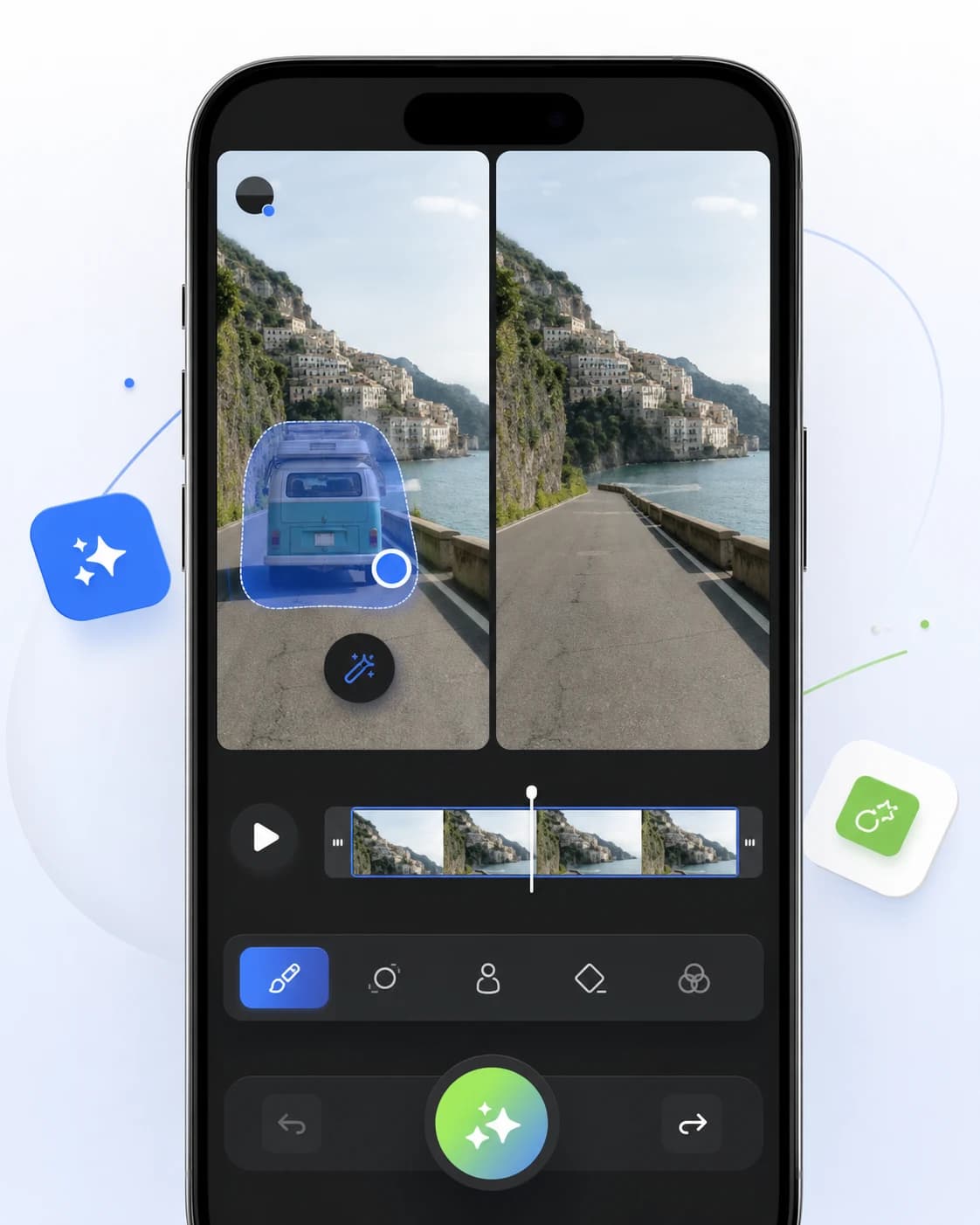
Erase distracting objects without cropping the frame.
Use a mobile-first workflow for creator edits and social clips.
Keep output natural with AI-assisted background reconstruction.
Workflow
Edit in a focused three-step flow.
Open your clip in Video Eraser.
Brush over the person, object, or distraction you want to remove.
Preview the AI cleanup and export the finished video.
Questions, answered
Can Video Eraser remove people from a video?
Yes. Video Eraser can remove selected people or objects when the background has enough visual detail for AI reconstruction.
Does object removal crop my video?
No. The object remover is designed to clean selected areas while keeping the original frame size.
Related tools
Responsible watermark removal
Use Video Eraser to clean draft exports, timestamps, and overlays from videos where you have the rights to edit the content.
AI logo remover
Clean up brand marks, corner logos, and overlays from video assets that you own or are authorized to edit.
AI video enhancer
Improve video clarity, reduce rough edges, and prepare cleaner clips for reels, ads, tutorials, and social posts.
Ready to edit
Try ai video object remover on your next clip.
Download Video Eraser for fast AI object removal, watermark cleanup, video enhancement, and creative transformations on mobile.
Download App