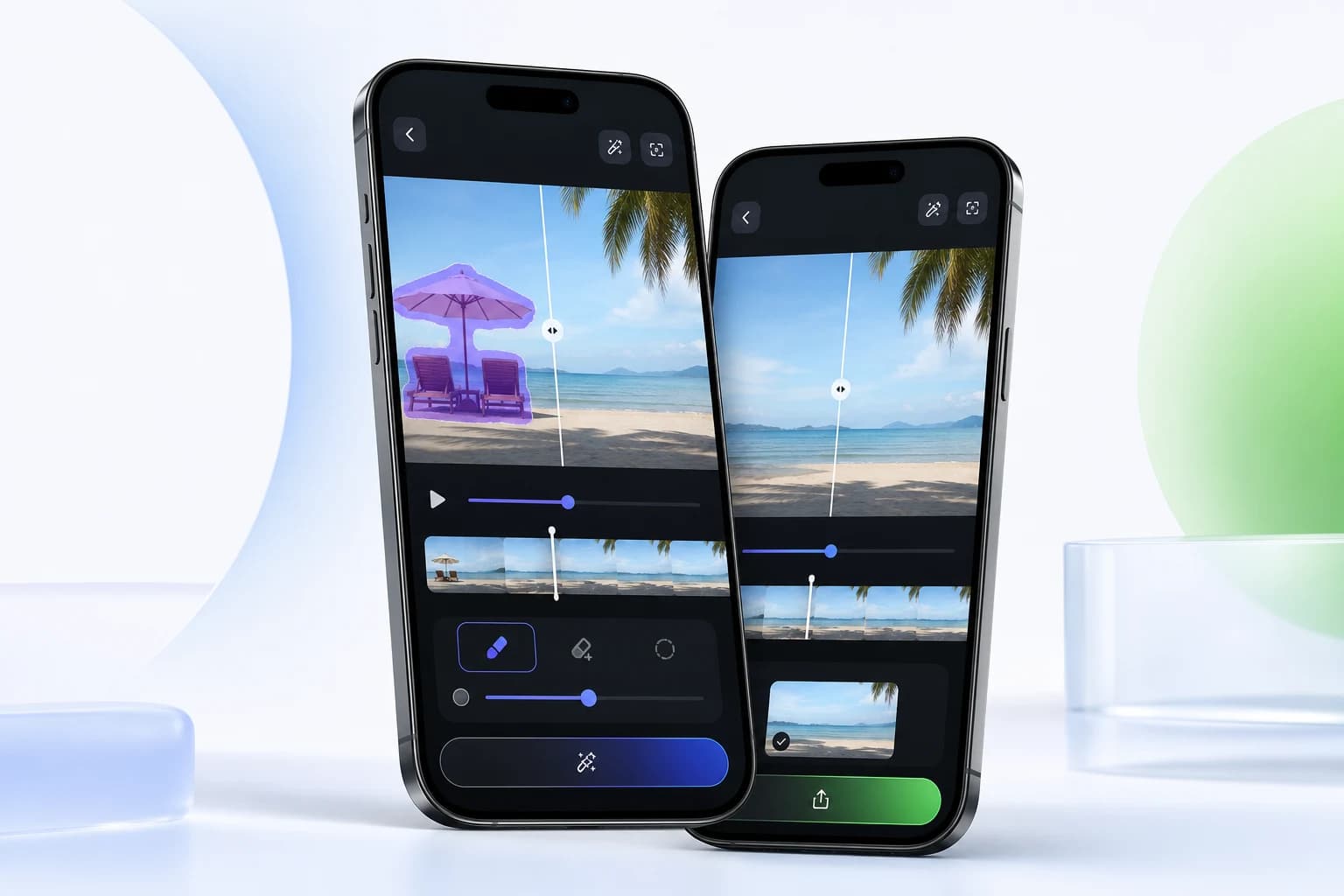
iPhone workflow
Clean up videos on iPhone
Use Video Eraser on iPhone to remove objects, clean owned footage, enhance clips, apply AI/comic filters, and save videos to Photos.
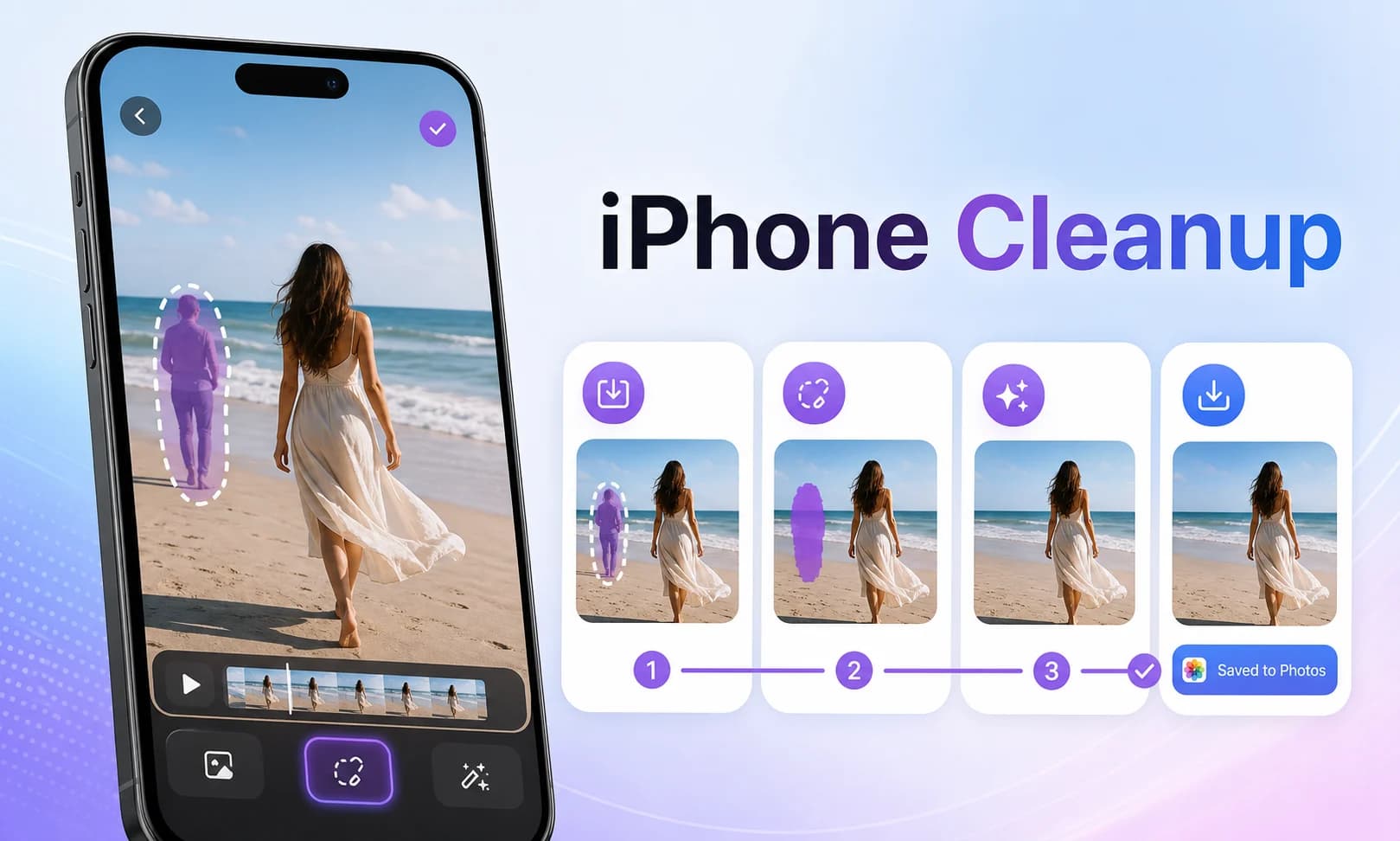
Workflow
A focused mobile editing flow.
Import a video from your phone.
Choose remove, enhance, or AI/comic filter workflow.
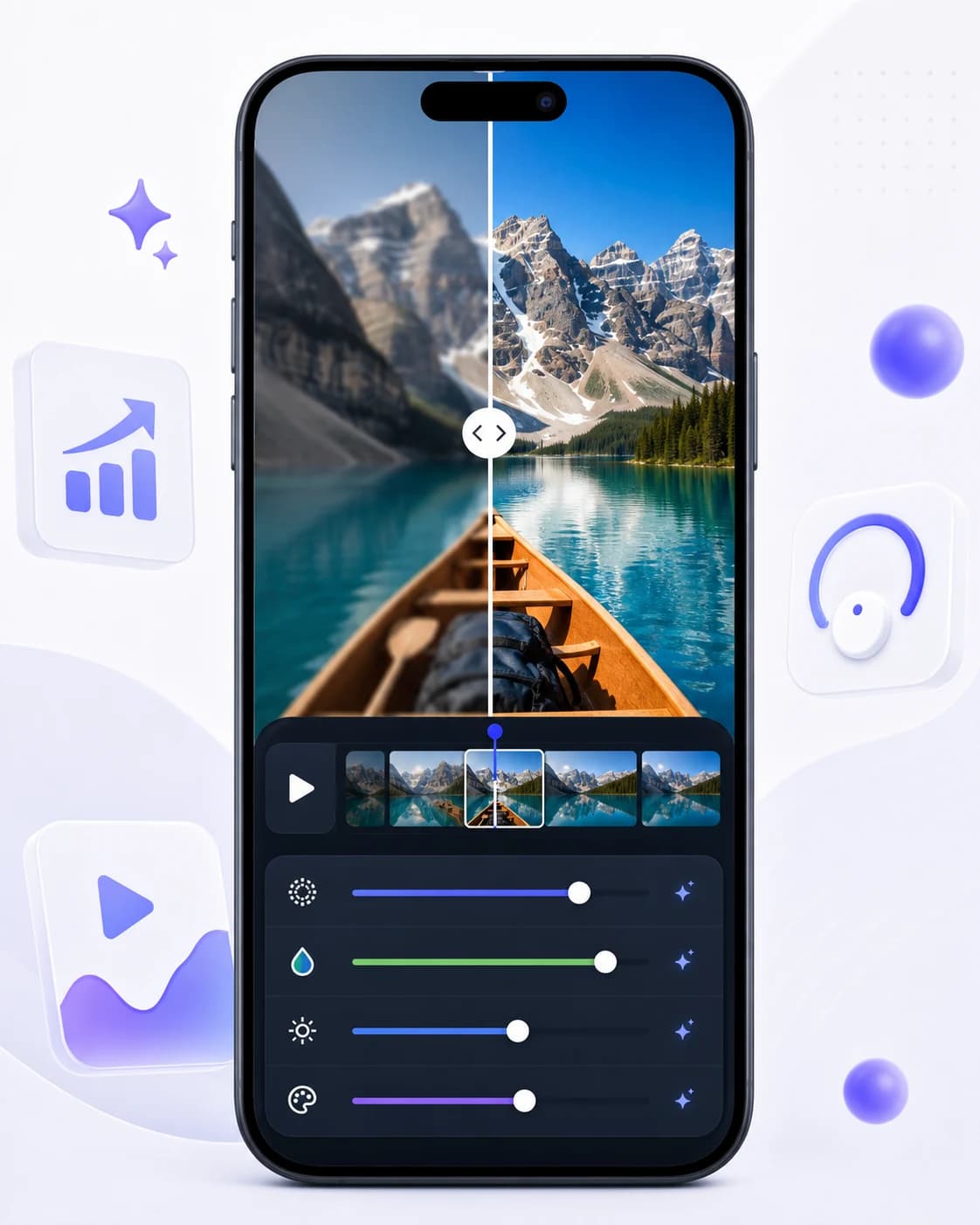
Preview the processed result and save it to Photos.
Mobile-first editing without a desktop timeline.
Cloud processing supports background wait states.
Credits and premium limits are shown inside the app.
Related Video Eraser tools
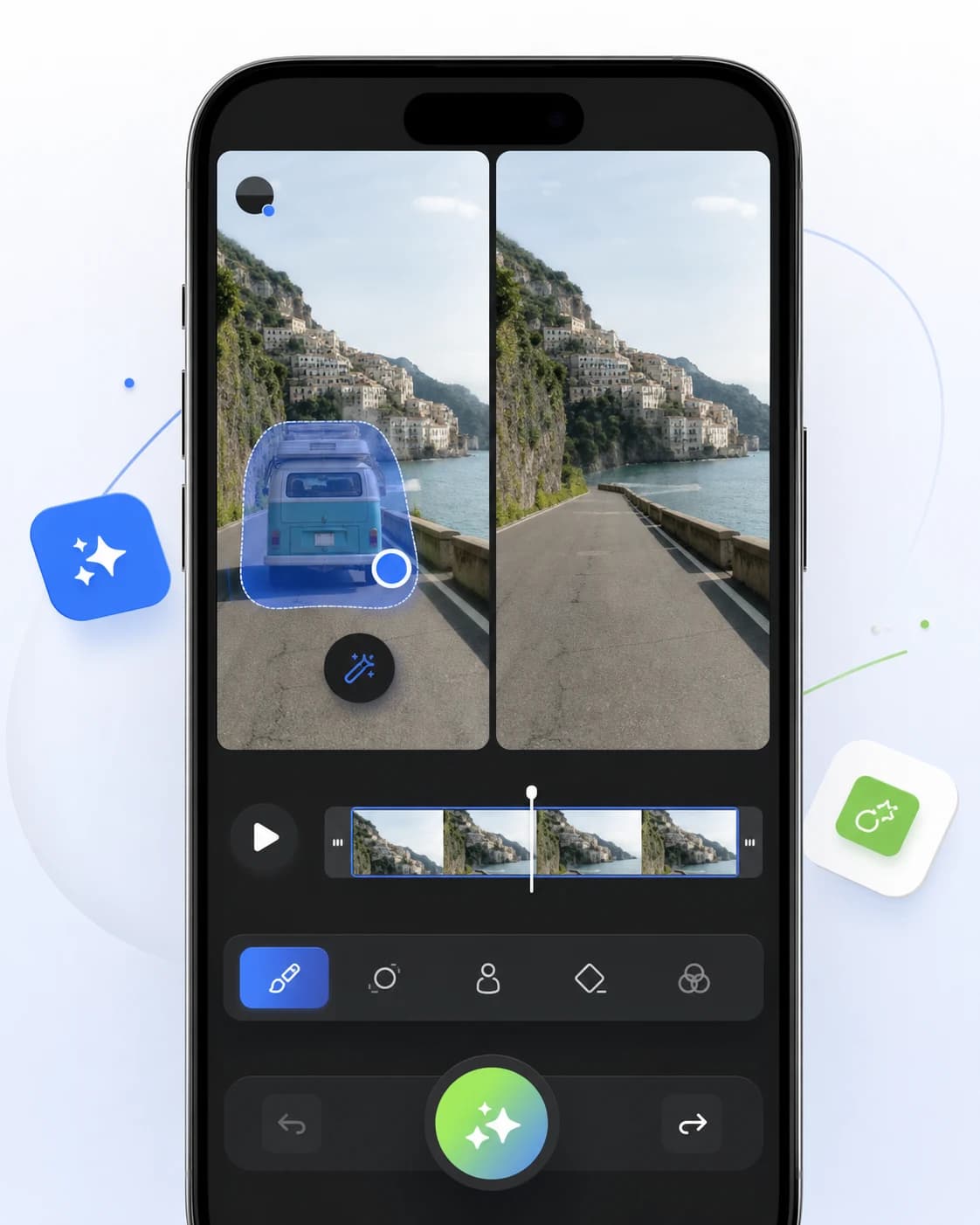
AI video object remover
Clean up clips by removing people, distractions, text, and unwanted objects from videos directly on your phone.
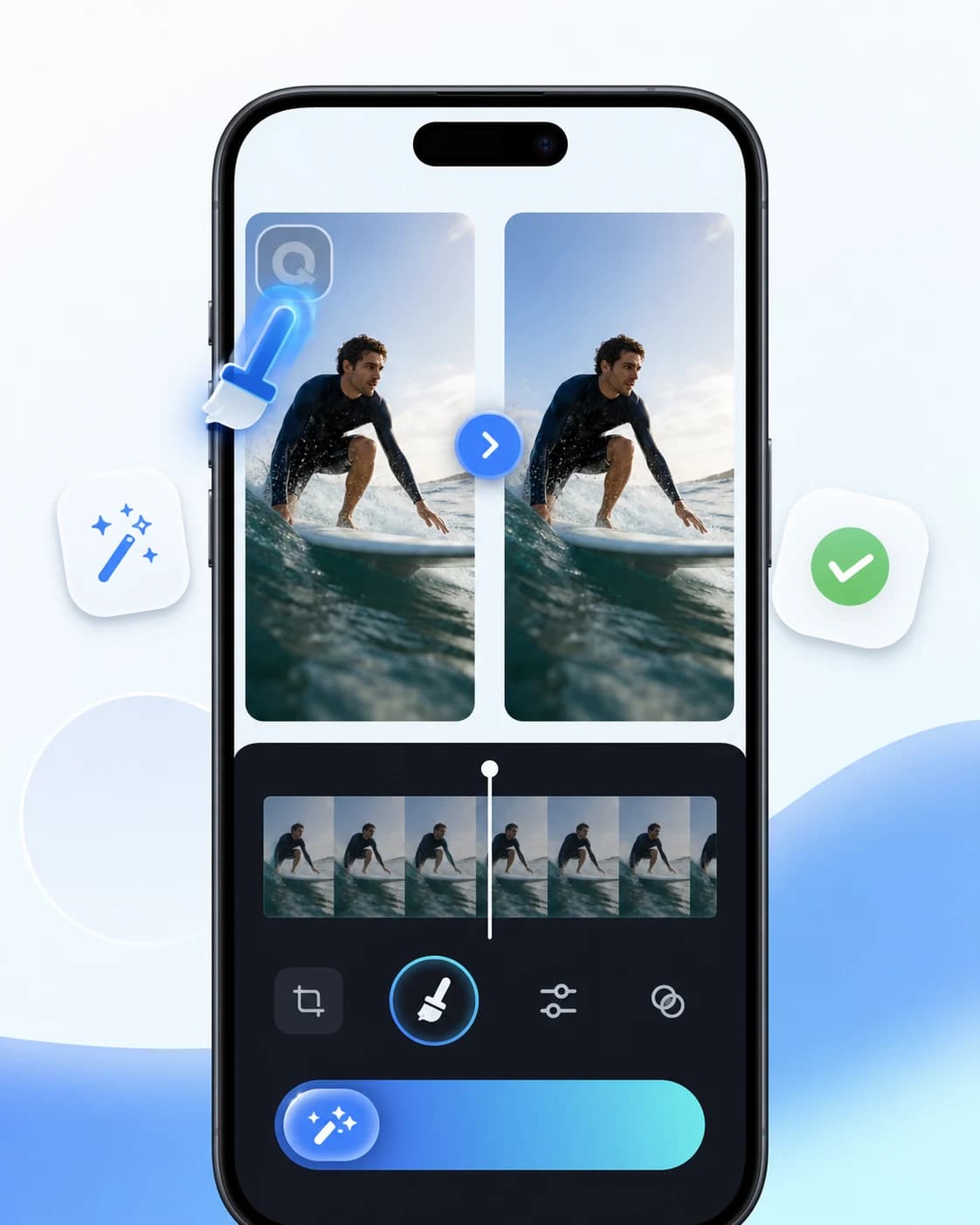
Responsible watermark removal
Use Video Eraser to clean draft exports, timestamps, and overlays from videos where you have the rights to edit the content.
AI video enhancer
Improve video clarity, reduce rough edges, and prepare cleaner clips for reels, ads, tutorials, and social posts.
Ready to edit
Clean up your next mobile video.
Download Video Eraser for fast AI object removal, watermark cleanup, video enhancement, and creative transformations on mobile.
Download App